Wi-Fi design
Review coverage, devices, guest use, and site constraints.
IT & security / Network projects
An office network should have a plan: appropriate coverage, controlled access, documented configuration, and a clear owner for what happens next.
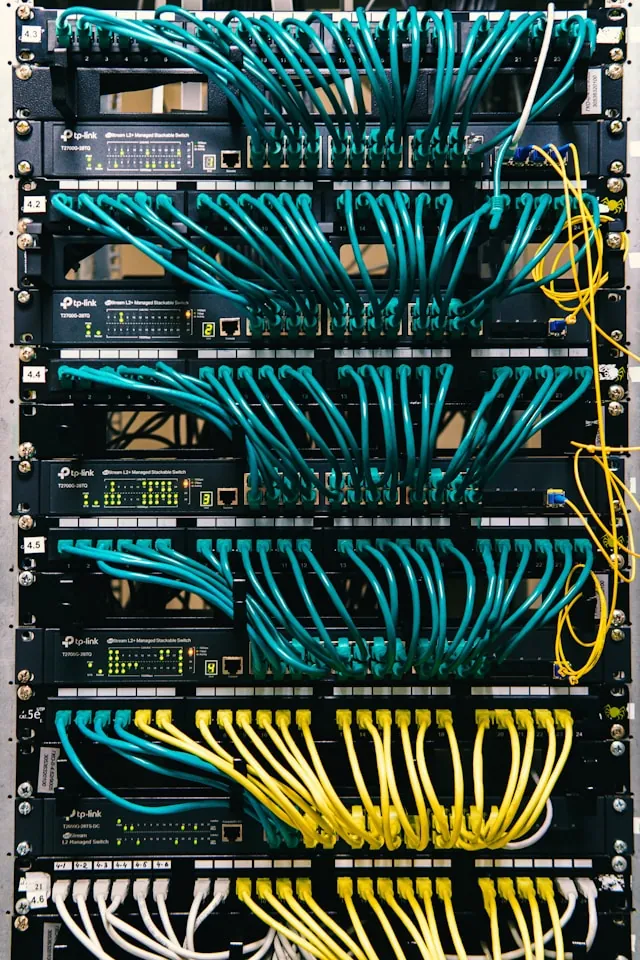
1.Assess the requirements
2.Configure and test
3.Document the network
Review coverage, devices, guest use, and site constraints.
Configure agreed access policies and administrative controls.
Separate agreed device groups and access paths.
Plan connectivity changes and authorized remote access around the business need.
Site review and assessment are separately scoped deliverables where required. We confirm service geography and site access before arranging on-site work; an inquiry is not an exhaustive network audit.
A slow office connection may involve Wi-Fi coverage, interference, cabling, switching, the internet provider, or the application itself. Describe where the issue occurs, which devices are affected, and whether it happens on a wired connection as well. That evidence helps define a useful assessment instead of replacing hardware without understanding the bottleneck.
An agreed validation plan may include staff and guest access, permitted communication between device groups, remote access, and administration of the equipment. Document which changes require vendor or building access and how a configuration can be recovered. Additional cabling, hardware, monitoring, or failover requirements need their own scope.
Hardware, cabling, subscriptions, monitoring, and ongoing maintenance are scoped individually. The handoff documents configuration and access responsibilities. Network improvements reduce particular risks; they do not make a business immune to incidents.
Have a different question?
Talk it through with us
Not necessarily. Placement, interference, cabling, internet capacity, and the devices involved all matter. A needs assessment should identify the cause before choosing equipment.
Separation can be part of an agreed design. The scope should define which groups may communicate, how guests connect, and who administers those settings.
Only when specifically agreed. Implementation, hardware, subscriptions, monitoring, and ongoing maintenance have distinct responsibilities and should not be treated as one automatic service.

Describe the workflow, report, or system you wish worked better. We’ll tell you whether it makes sense to automate, integrate, or build.