Microsoft 365 migration
Plan agreed mailboxes, domains, data, cutover steps, and verification.
IT & security / Cloud & email
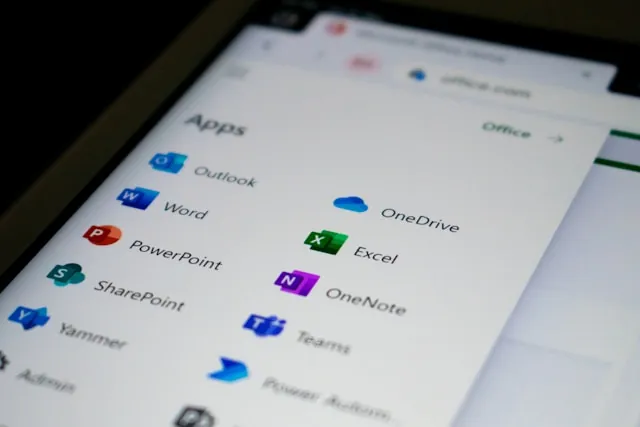
Email and collaboration depend on more than creating accounts. We scope migrations, access improvements, and administrative cleanup around how your office operates.
1.Review the environment
2.Plan and configure
3.Verify and hand off
Plan agreed mailboxes, domains, data, cutover steps, and verification.
Review administrative access, MFA rollout, and account lifecycle settings.
Evaluate available controls against your tenant licensing and business needs.
Scope business email migration, account administration, sharing, and handoff.
A configuration review can provide prioritized recommendations. It is separate from implementation, is not penetration testing, and does not guarantee security.
Inventory the domains, mailboxes, shared addresses, aliases, devices, and applications that send email. Confirm who controls domain and DNS settings and how staff will sign in afterward. A migration plan should identify what will move, what cannot be transferred directly, how mail flow will be checked, and which person can approve a change or fallback decision.
MFA enrollment, administrative roles, external sharing, recovery methods, and employee departures affect daily work. Review the impact with the people responsible for the tenant before changing settings. The handoff should identify account owners and unresolved recommendations; a configuration change without an owner can drift back over time.
Security features and log availability depend on your plan. Licenses, backups, retention, special compliance requirements, and ongoing administration are identified explicitly. Migration plans include risks and verification; we do not guarantee uninterrupted service or no data loss.
Have a different question?
Talk it through with us
No. Backup, retention, restoration testing, and ongoing responsibility must be specifically included in the scope.
Yes, for agreed migration and administration work. We review your current environment and desired outcome first.
Describe the workflow, report, or system you wish worked better. We’ll tell you whether it makes sense to automate, integrate, or build.