Your team enters the same information twice.
Disconnected apps create repeat work and avoidable mistakes.
Software, automation & business systems
We build practical software, connect the tools you already use, and automate the work that keeps your team stuck behind a screen.
Based in South Florida. Built for businesses ready to work smarter.

One workable process
Validate. Assign. Notify the right person.
Clear ownership. A visible next step.
Good people shouldn’t have to hold a disconnected process together.
Disconnected apps create repeat work and avoidable mistakes.
Everyone depends on a file no one wants to touch.
Status requests, missing paperwork and follow-ups live in the inbox.
Important numbers exist, but only after someone collects them manually.
Automate, connect, or build. The right answer depends on where the work gets stuck.
Explore solutionsTurn repetitive steps into dependable workflows—from client intake and reminders to approvals and reporting.
Make your CRM, accounting tools, forms, and internal systems exchange the right data without copy-and-paste.
Replace fragile spreadsheets or awkward workarounds with a focused tool designed for how your business operates.
Get the operational numbers you need without rebuilding the same spreadsheet every week.
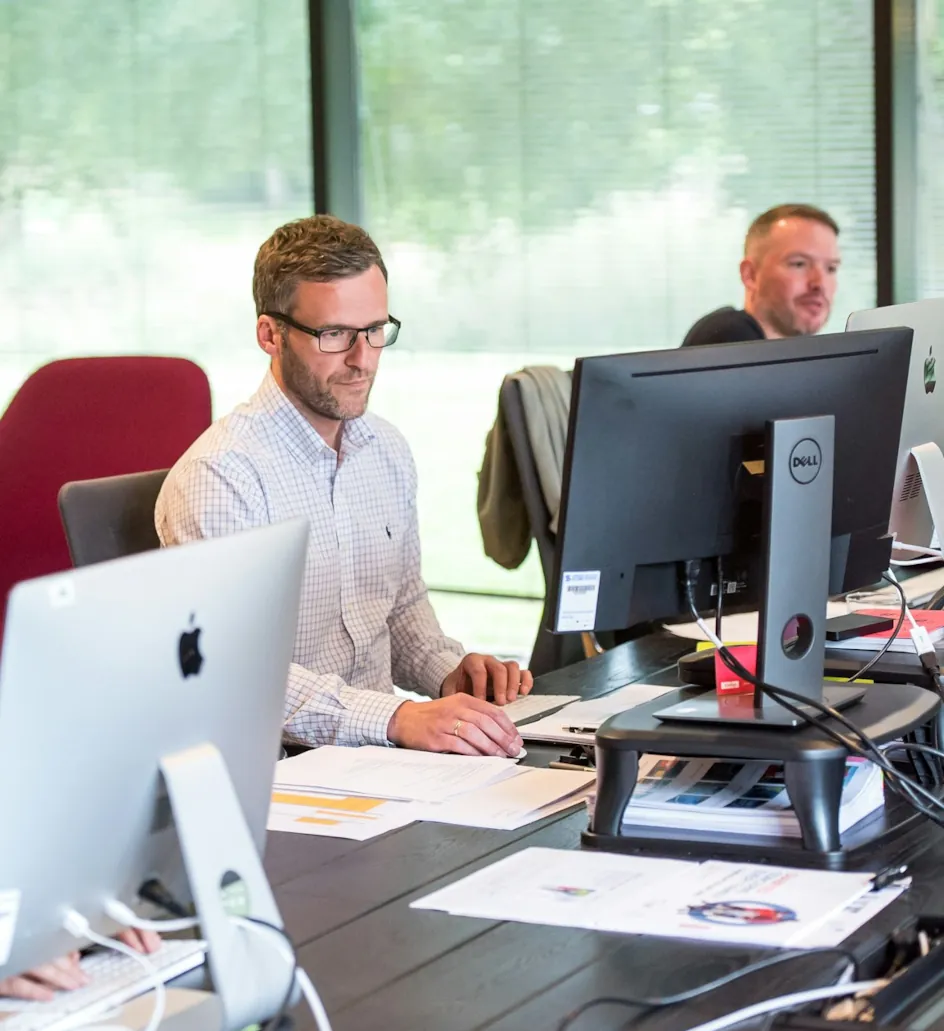
Client intake, document requests, work status, reporting, and QuickBooks workflows.
Intake → documents → review
Explore the workflows for Accounting & tax
Renewal queues, reminders, producer handoffs, and pipeline visibility.
Renewal → owner → follow-up
Explore the workflows for Insurance agencies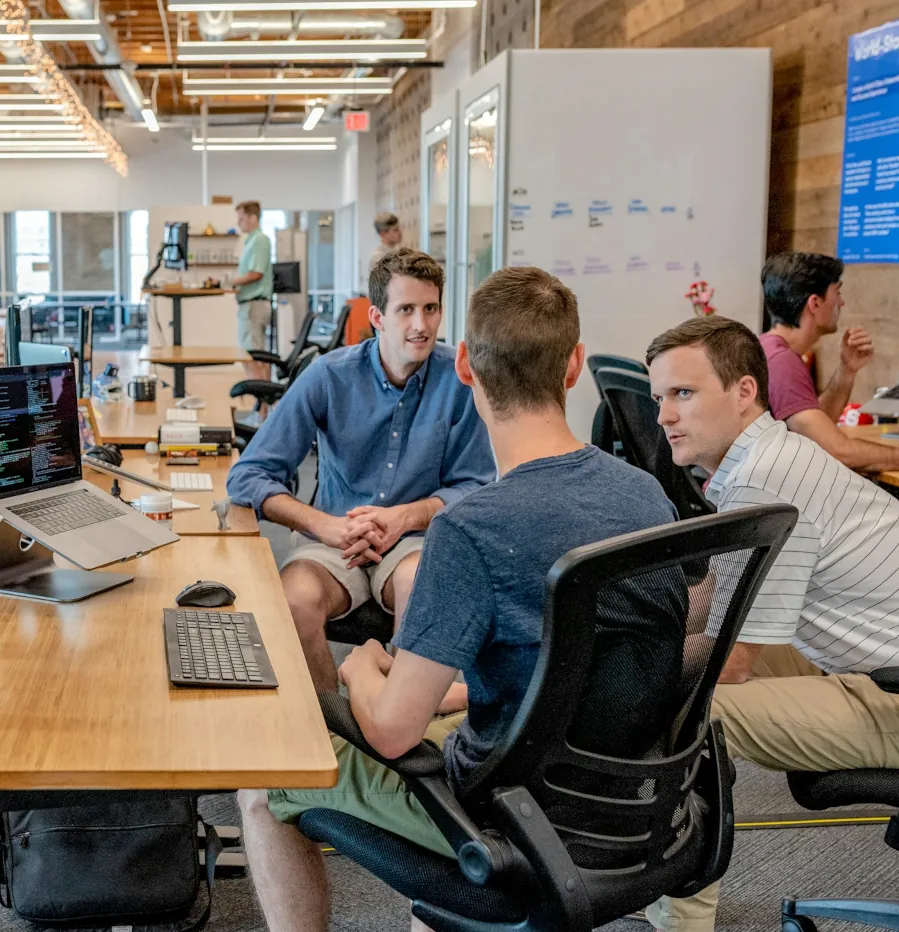
Job tracking, estimates, field updates, and office-to-customer follow-up.
Estimate → job → field update
Explore the workflows for Contractors & service firmsSometimes that means connecting two tools. Sometimes it means building one focused application. We work out which before implementation.
Our discovery & delivery processStart with a fit conversation and a review of the workflow.
Options, deliverables, exclusions, timeline assumptions, and dependencies.
Build or configure, test with staff, train, and hand off.
Optional support after launch. No forced IT subscription.
Define what the solution needs to do, including exceptions—not just what a demo should look like.
Identify account owners, permissions, source-code responsibilities, hosting, and third-party dependencies.
Make day-to-day operation and ongoing maintenance responsibilities clear before the project closes.

We also handle Microsoft 365, business security improvements, networking, and managed IT for eligible South Florida offices.
Describe the workflow, report, or system you wish worked better. We’ll tell you whether it makes sense to automate, integrate, or build.